Skip to content
Geek Pro Works

Latest tech, devices & security.

  • Blog
  • Home
  • Privacy Policy
  • Devices
    • Laptops
    • Phones
    • Printers
    • Routers
    • Smart TVs
  • Events
  • How‑to
  • News
  • Reviews
  • Security
  • facebook.com
  • twitter.com
  • t.me
  • instagram.com
  • youtube.com
Subscribe

ScreenShort

  • Home
  • Blog
  • How‑to
  • ScreenShort
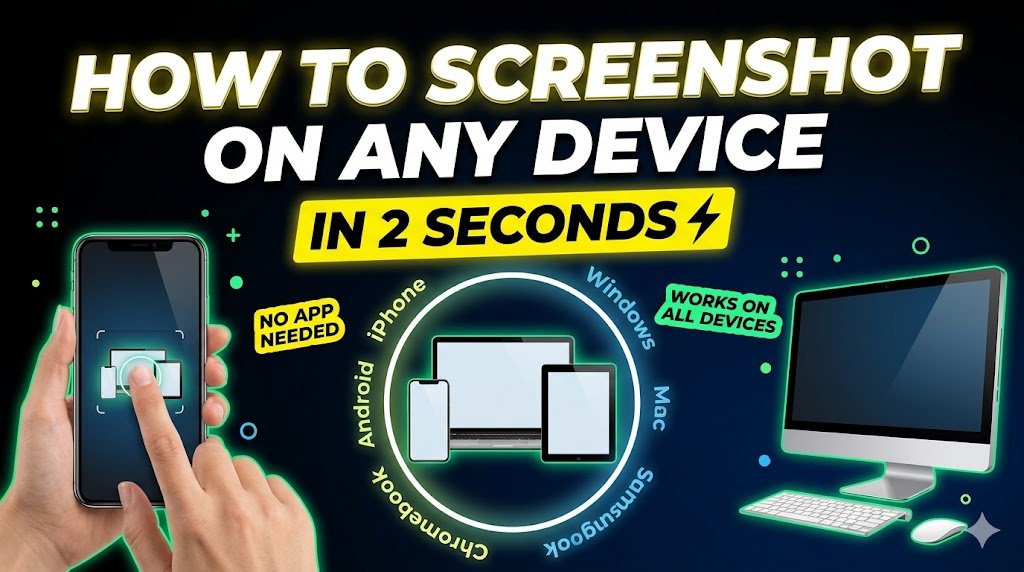
How to Take a Screenshot (Complete Guide 2026 – All Devices & Methods)
Posted inDevices How‑to ScreenShort

How to Take a Screenshot (Complete Guide 2026 – All Devices & Methods)

Quick Answer (Featured Snippet) To take a screenshot, press Print Screen (Windows) or Command + Shift + 3 (Mac). On smartphones, press Power + Volume Down. Screenshots are saved automatically…
Posted by berta235 April 16, 2026
  • How to guides
  • 1
  • 2
  • 3
  • 4
  • Troubleshooting steps
  • 1
  • 2
  • 3
  • 4
  • About us
  • Contacts us
  • Privacy Policy
  • Terms & Conditions
Copyright 2026 — Geek Pro Works. All rights reserved. Bloghash WordPress Theme
Scroll to Top